
Fancy Font Maker – Generate Stylish Text in Seconds
Published on July 6, 2026
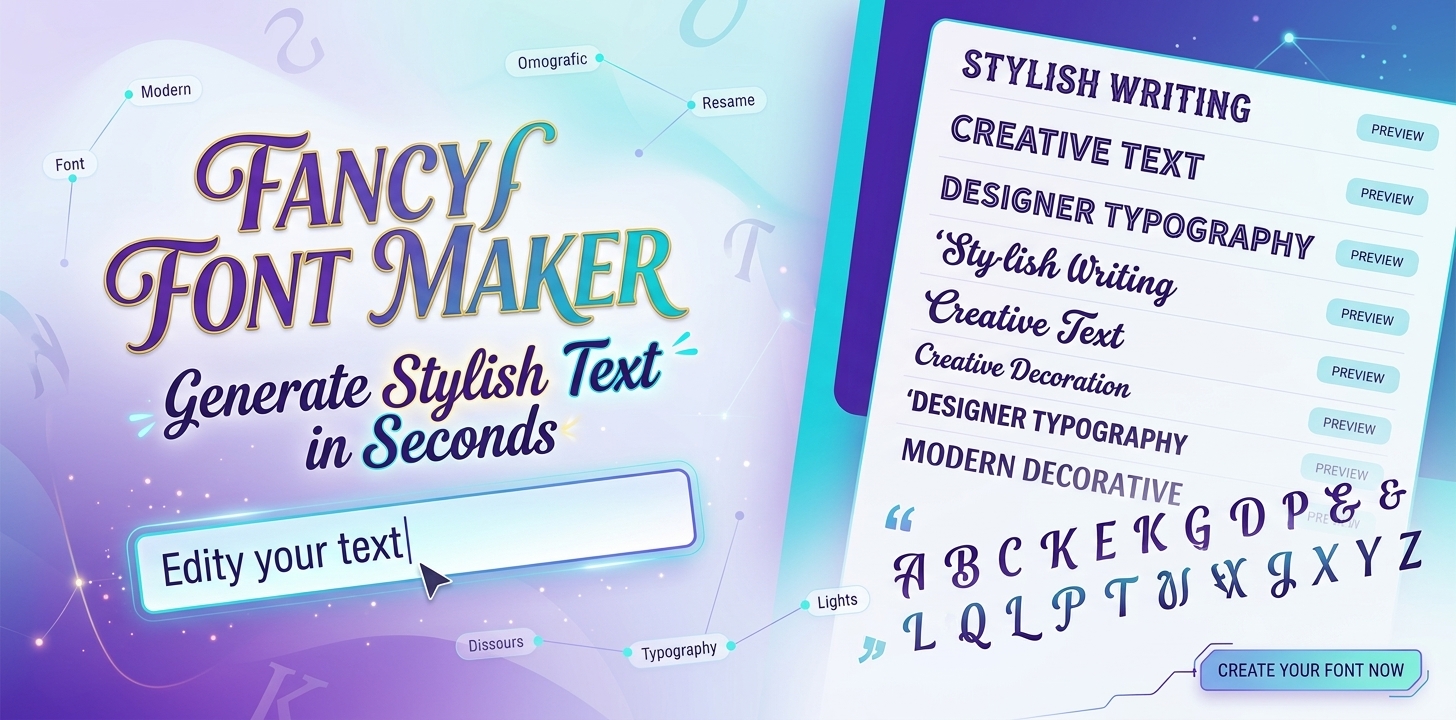
Plain text gets lost in a world full of bold bios, creative usernames, and eye-catching captions. If you want your posts, profiles, or messages to stand out, a fancy font maker is the easiest way to get there.
With just a few seconds of typing, you can turn ordinary words into stylish, scroll-stopping text, complete with optional emojis and symbols. No design skills, no downloads, and no signups required. This tool is built to make text styling fast, fun, and accessible to everyone.
What Is the Fancy Font Maker?
The Fancy Font Maker is a tool that converts normal text into stylized versions using special Unicode characters. These aren't traditional fonts in the design sense. They're unique character sets that look like different fonts but can be copied and pasted anywhere, since they're just text.
This is exactly why fancy fonts work across almost every platform. There's no need to install anything or worry about compatibility. Once you copy the styled text, it carries over perfectly to social media, chat apps, and even documents.
Key Features of This Tool
This fancy font maker is designed to keep things simple while giving users plenty of creative options.
Multiple Font Styles
The tool generates several stylish versions of your text instantly, giving you a wide range to choose from in one go.
Each style has its own character and feel, so you can pick something playful, elegant, or bold depending on where you plan to use it. This variety means you don't have to settle for just one look.
Here are the types of fonts you can create with it:
Emoji and Symbol Toggle
You can turn emojis and symbols on or off depending on your preference. This keeps your text decorative when needed or clean and minimal when required. The toggle gives you full control, so the same input can work for a fun social media caption or a more formal username, just by flipping a switch.
One-Click Copy
Each generated style comes with a simple copy button, so you can grab your favorite version without any extra steps. There's no need to manually select and copy text, which reduces the chances of missing a character or copying the wrong format. It's a small feature that saves real time, especially when comparing multiple styles.
No Signup Required
There's no need to create an account or log in. You can start generating fancy text right away, without filling out forms or verifying an email. This makes the tool ideal for quick, one-time use as well as regular visits.
Mobile-Friendly Design
The tool works smoothly on phones and tablets, so you can style your text on the go. Whether you're updating a bio between tasks or picking a username while gaming on mobile, the experience stays just as fast and easy as on desktop.
How to Use the Fancy Font Maker
Getting stylish text takes only a few steps.
Step 1: Type your text
Enter any word, name, or phrase into the input box.
Step 2: Browse the generated styles
The tool instantly creates multiple fancy versions of your text.
Step 3: Toggle emojis and symbols
Turn this option on for decorative flair or off for a cleaner look.
Step 4: Copy and paste
Select your favorite style and paste it wherever you like.
The entire process takes seconds, making it ideal for people who want quick results without extra effort.
Fancy Font Examples: Before & After
Style
Before (Plain)
After (Fancy)
Bold
Good Life
𝐆𝐨𝐨𝐝 𝐋𝐢𝐟𝐞
Italic
Be Brave
𝐵𝑒 𝐵𝑟𝑎𝑣𝑒
Bold Italic
Stay Wild
𝑺𝒕𝒂𝒚 𝑾𝒊𝒍𝒅
Bubble
Dream Big
Ⓓⓡⓔⓐⓜ Ⓑⓘⓖ
Small Caps
Stay Strong
Sᴛᴀʏ Sᴛʀᴏɴɢ
Old English / Fraktur
Good Life
𝔊𝔬𝔬𝔡 𝔏𝔦𝔣𝔢
Double Struck
Dream Big
𝔻𝕣𝕖𝕒𝕞 𝔹𝕚𝕘
Mirror / Upside Down
Be Brave
ǝʌɐɹᗺ ǝᗺ
Monospace
Stay Wild
𝚂𝚝𝚊𝚢 𝚆𝚒𝚕𝚍
Strikethrough
Stay Strong
S̶t̶a̶y̶ ̶S̶t̶r̶o̶n̶g̶
Underline
Be Brave
B̲e̲ ̲B̲r̲a̲v̲e̲
Full Width / Vaporwave
Good Life
Good Life
Benefits of Using Fancy Fonts
Using fancy fonts comes with several practical advantages beyond just looking creative.
Fancy fonts help your profile, post, or username stand out in crowded feeds and busy chat threads, where plain text is easy to scroll past.
They add a personal, creative touch to your text without requiring any design software or editing skills.
Stylized text tends to be more memorable, which can make your content more shareable across social platforms.
Since fancy fonts are just text, they display correctly across most apps and websites without any compatibility issues.
The ability to switch between styles instantly means you can match your text to different moods, platforms, or occasions with ease.
Where You Can Use Fancy Fonts
Fancy text isn't limited to one platform. It works well across many places where personalization matters.
Instagram Bios and Captions
Fancy fonts help your Instagram bio or caption catch attention as people scroll through their feed. A unique style can make your profile feel more personal and memorable compared to plain text.
Facebook Posts and Profile Names
Stylish text on Facebook can make posts and profile names stand out among regular updates. It's a simple way to add a bit of personality without changing anything else about your profile.
WhatsApp Status and Display Names
A fancy display name or status update gives your WhatsApp profile a more creative touch. Since contacts see this text frequently, it's an easy way to leave a small impression.
Discord Usernames and Server Titles
Fancy fonts are popular in Discord communities, where usernames and server names often reflect personal or group identity. Stylized text helps usernames feel more distinct in busy servers with many members.
Twitter or X Bios
A short, styled bio can help your profile feel more polished on Twitter or X. Since space is limited, fancy fonts let you add visual interest without using extra characters.
Gaming Usernames
Fancy fonts are widely used in games like PUBG and Free Fire, where players want unique, eye-catching names. A stylish username can help you stand out on leaderboards and in-game chats.
YouTube Channel Names
A creatively styled channel name can make your YouTube page look more professional and recognizable. It also helps your channel stand apart in search results and recommendations.
Why Use a Generator Instead of Typing Manually
Some people try to manually search for Unicode symbols to create a similar effect, but this process is slow and inconsistent. A fancy font generator solves this by offering instant variety and accuracy.
Manually copying symbols often leads to mismatched characters or formatting errors. With a dedicated tool, every style is generated correctly and consistently, saving time and avoiding frustration.
Tips for Choosing the Right Style
Picking the right fancy font style can make a big difference in how your text is received.
Match the style to the platform's tone, playful fonts work well for social media, while simpler ones suit professional use
Avoid overloading your text with too many symbols, since this can hurt readability
Preview the text before posting to make sure it displays correctly
Keep usernames short and clean for better visibility in search results
A little balance goes a long way in making your text look polished rather than cluttered.
Conclusion
A fancy font maker gives you a quick, creative way to make your text stand out anywhere online. With instant styles, optional emojis, and easy copy-paste functionality, it's a simple tool with a big visual impact. Try it out today and give your bios, usernames, and captions the stylish upgrade they deserve.
Frequently Asked Questions (FAQs):
1. Are fancy fonts real fonts?
No, they're special Unicode characters designed to look like different font styles. They work as text, so they don't need any font installation.
2. Will fancy fonts work on every platform?
Most platforms support them since they're just Unicode text. However, a few apps may not render certain symbols correctly.
3. Can I turn off the emojis and symbols?
Yes, the tool includes a toggle that lets you turn emojis and symbols on or off. This gives you full control over the final look.
4. Is the fancy font maker free to use?
Yes, the tool is completely free with no signup required. You can generate as many styles as you want.
5. Does it work well on mobile devices?
Yes, the tool is built to be mobile-friendly. You can generate and copy fancy text easily from your phone.

Thomas
My Name is Thomas, I am a professional designer, creative blogger, and the author of Stylish Namez I am specializes in creating stylish and unique name ideas for gaming and social media platforms. With a passion for creativity and digital trends, Thomas helps users find eye-catching names that stand out online. For inquiries, contact: thomasjoye88@gmail.com